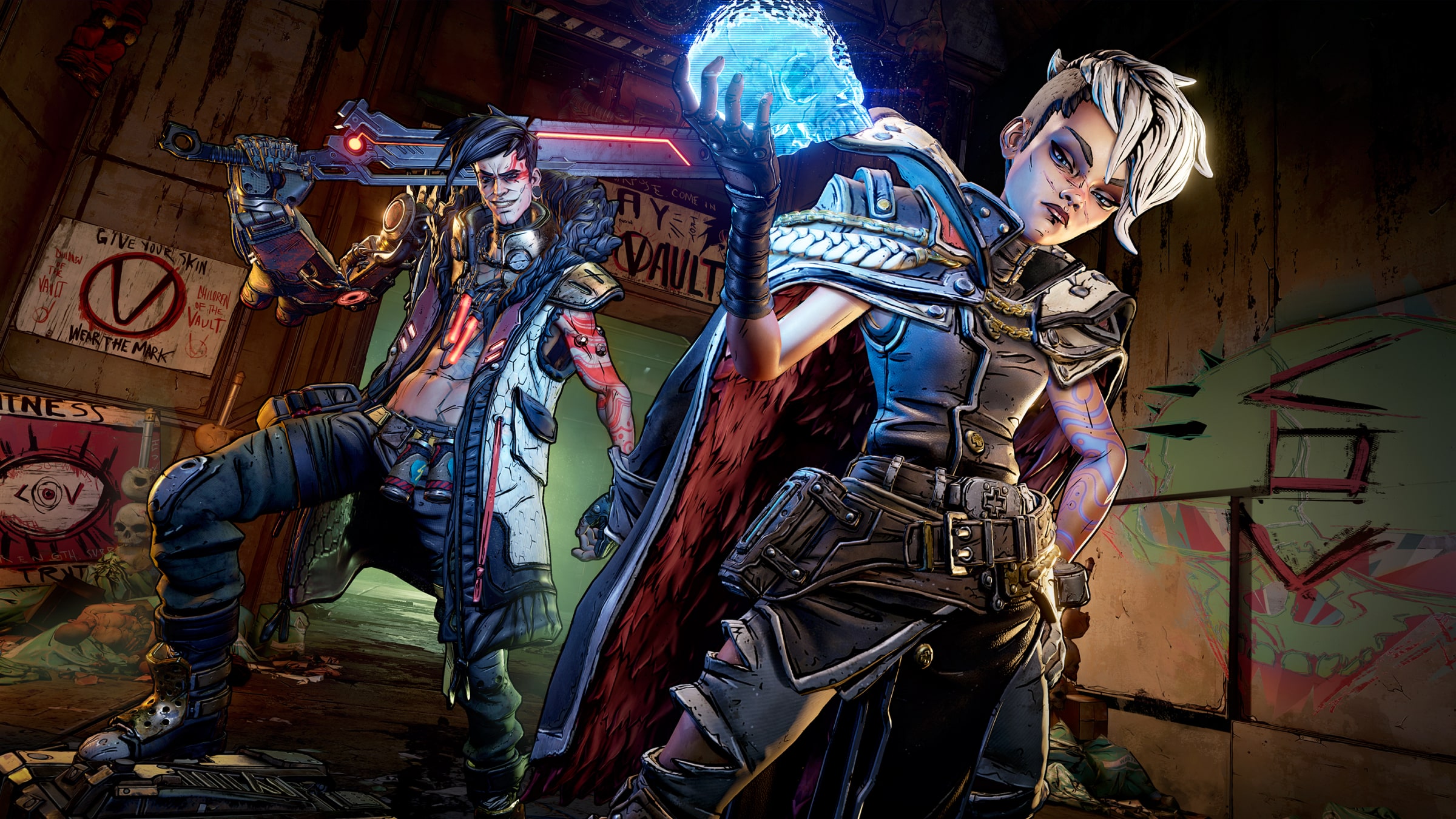
Play Borderlands 3
instantly on Stadia

No subscription required

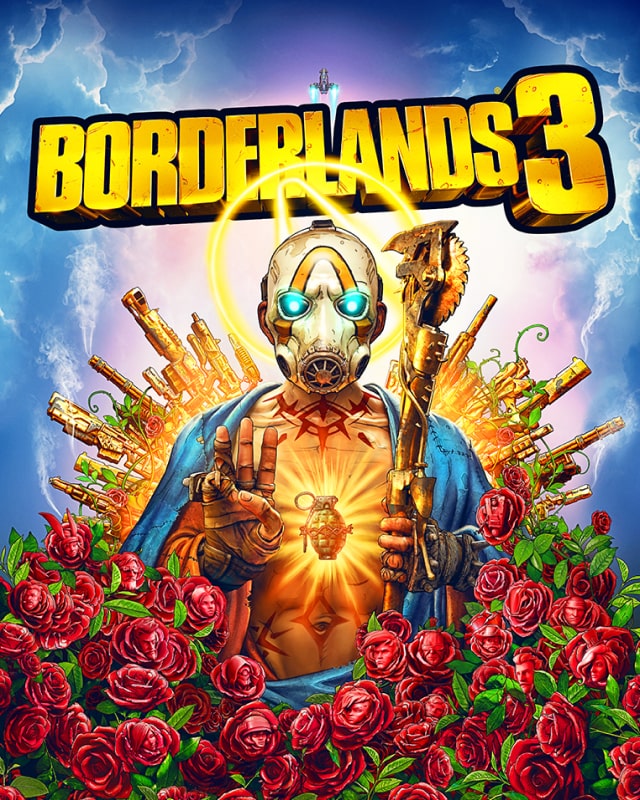
Key art for Borderlands 3 on Stadia
ESRB badge showing the letter “M”

Mature 17+

Blood, Drug Reference, Intense Violence, Strong Language
In-Game Purchases, Users Interact

Genre

Shooter, Role-playing game, Action

Game modes

Single player, Online multiplayer, Online co-op, Competitive

Release date

December 17, 2019

Publisher

2K

Developer

Gearbox

Unlimited gameplay across your devices

Illustration of an icon for play
Play instantly

Just launch your game and start playing — no more waiting on downloads or updates.
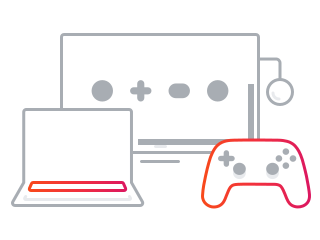
Illustration of a laptop, a monitor and a game controller
Across your screens

Play Stadia games across your screens, with the controllers you already have.
Illustration of a price tag
Pay once

Buy Borderlands 3 and it's yours to keep. No subscription required.
Getting started

Screens & devices

You can play Stadia on your computer using the latest Chrome browser, your compatible Android phone/ tablet using Stadia app, or a TV using Chromecast Ultra with the Stadia Controller.¹

Controllers

All you need is your computer keyboard and mouse to start playing. Many of your favorite controllers and gamepads are compatible with Stadia on computers and Android devices via a USB cable or Bluetooth.

¹ Chromecast Ultra requires a TV with an HDMI port, a Wi-Fi network, a Google Account, a nearby electrical outlet or USB port, and a compatible mobile device. Minimum OS requirements are available at g.co/cast/req.